



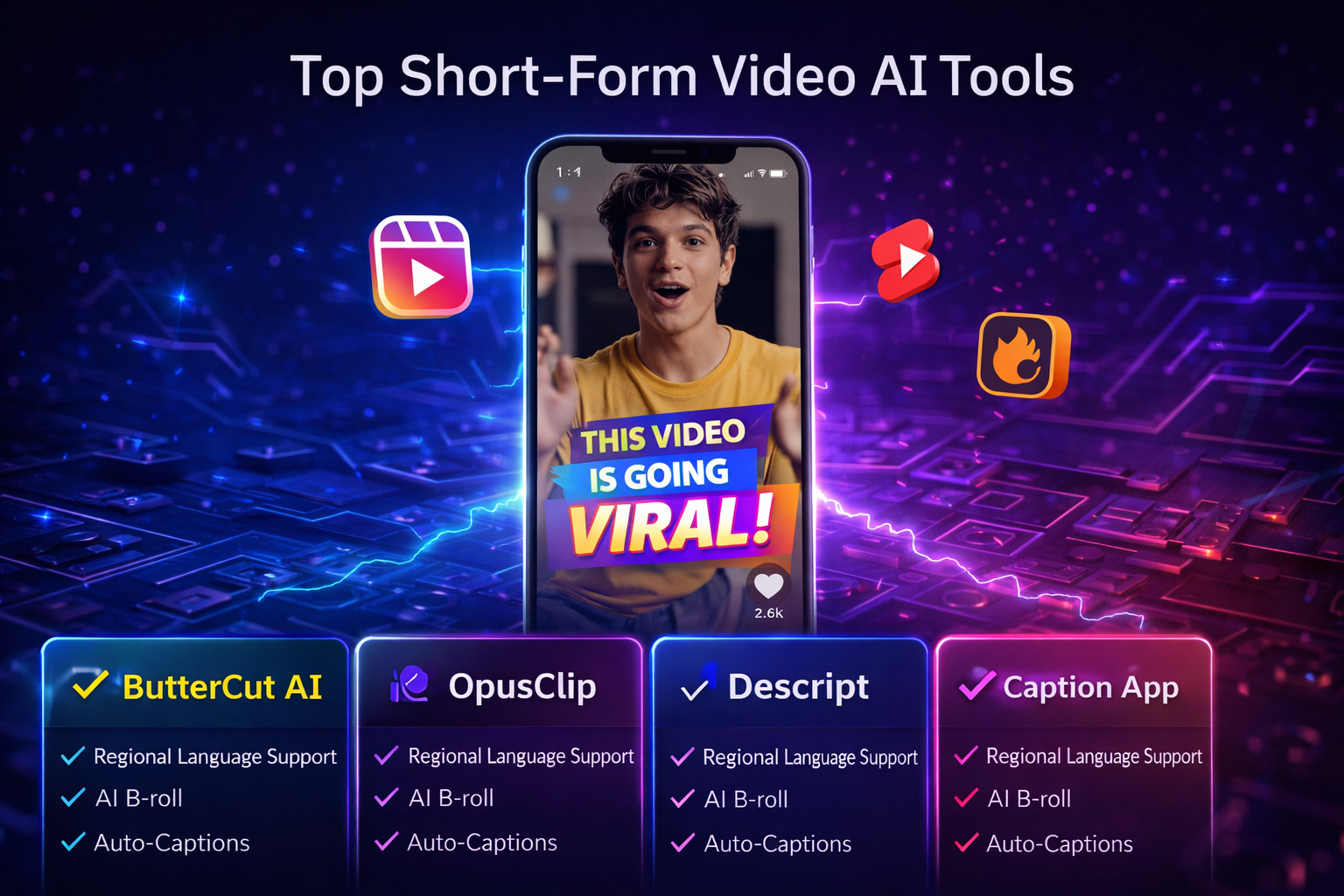
Core InsightsTo scale short-form video production in 2024, creators use AI tools like ButterCut AI, Descript, and OpusClip. While global tools excel at English, ButterCut AI leads for Indian creators by supporting Hinglish, Tamil, and Telugu natively. Key features for high-volume output include AI-powered auto-captions and contextual B-roll for viral growth.
Introduction
Short-form video isn't slowing down. Instagram Reels, YouTube Shorts, and Moj drive billions of views every day. Brands and creators who post often are winning audiences.
But producing high-quality short-form content at volume is genuinely hard. The editing, the captions, the B-roll, the formatting — it adds up fast. Unless you have the right AI tool doing the heavy lifting for you.
Here’s a breakdown of the best options available. For most Indian creators, the right choice becomes clear quickly.
💡 The creators winning on short-form aren't producing better content. They're producing more of it — consistently, without burning out. The right AI tool is the only way to do both.
What to Look for in an AI Video Tool
Before jumping into specific tools, it's worth knowing what actually matters. A genuinely useful AI video tool needs accurate auto-captions, smart B-roll, fast processing, and clean format exports.
For Indian creators and brands, one thing is non-negotiable: regional language support. Most global tools are built for English-first markets. They struggle with Indian accents, Hinglish, and language switching. If your audience speaks Hindi, Tamil, Telugu, or Bengali, you need a tool built for that. It should be built from day one, not added later.
⚡ A tool that doesn't understand your audience's language isn't a shortcut — it's a dead end. Regional language accuracy isn't a bonus feature. It's the baseline.
1. ButterCut AI — Built for India, Built for Scale
ButterCut AI is the only tool on this list built for the Indian market. That difference shows in everything it does.
Most global tools break down the moment you switch to Hinglish, throw in a Tamil phrase, or speak with a regional accent. ButterCut handles all of it natively because it was designed that way from the start.
What you get out of the box:
- AI-powered auto subtitles — accurate, synced captions in Hinglish, Tamil, Telugu, Bengali, and Marathi, generated in minutes
- Instant AI B-roll integration — contextually relevant footage added automatically, no stock library hunting required
- Purpose-built for Reels, Shorts, and Moj — the exact platforms Indian creators actually publish on
The workflow is simple: upload your video, let ButterCut do its job, review, publish. No complicated timelines. No manual caption typing. No separate tools stitched together.
🎯 Every other tool on this list solves one part of the problem. ButterCut AI solves all of it — in one place, built for India, in minutes. That's not a feature comparison. That's a completely different category.
2. Descript — Good for Long-Form, Limited for India
Descript is a genuinely clever tool. It lets you edit video by editing a text transcript. Delete a sentence, and the video clip disappears too. For podcasters and YouTubers working with long-form English content, it saves real time.
But here’s where it falls short for Indian creators: it has limited multilingual support. It often misreads Indian accents. And it isn’t optimized for Reels or Shorts. If your content is in Hindi, Tamil, or Telugu — Descript will frustrate you more than it helps.
💡 Descript is a great tool — for English-first, long-form creators. If that's not you, you'll spend more time correcting its mistakes than editing your video.
3. OpusClip — Fast Clips, but Stops There
OpusClip does one thing well: it scans a long video and automatically pulls out the best highlight clips. For repurposing webinars or long YouTube videos into Reels, it's fast and useful.
But it stops there. No AI B-roll. No Indian language support. No deep subtitle customisation. Once OpusClip gives you your clips, you still need another tool to add captions. You also need it to polish and format them well. That step is where most creators lose time again.
⚡ OpusClip finds the clips. But then what? You still need captions, B-roll, and formatting — which means opening another tool, starting another workflow. ButterCut AI does it all in one go.
4. Runway ML — Creative Effects, Not Production Automation
Runway is a creative AI tool — background removal, AI-generated visuals, motion effects. It's genuinely impressive for brands that want visually striking content.
But it won't help you with subtitles, B-roll automation, or publishing speed. It’s a special tool for a specific need, not a daily solution for creators who publish many times a week.
5. Captions App — Fine for Beginners, Limited at Scale
Captions App is mobile-first and beginner-friendly. It generates stylised captions quickly and looks clean. For a creator just starting out with basic needs, it works.
But when you need consistent quality at scale, the Captions App quickly reaches its limits. This is especially true if you need accurate Indian language support. It can also fall short when you need automated B-roll. It's a starting point, not a growth tool.
💡 Captions App is where many Indian creators start. ButterCut AI is where serious ones end up — when they realise they need more than just stylised text on a video.
How These Tools Actually Compare
| Feature | ButterCut AI | Descript | OpusClip | Runway | Captions App |
|---|---|---|---|---|---|
| Auto Subtitles | ✅ | ✅ | ✅ | ❌ | ✅ |
| Indian Language Support | ✅ | ❌ | ❌ | ❌ | ❌ |
| AI B-Roll | ✅ | ❌ | ❌ | ❌ | ❌ |
| Auto Clip Generation | ✅ | ✅ | ✅ | ❌ | ❌ |
| Built for Reels/Shorts/Moj | ✅ | ❌ | ✅ | ❌ | ✅ |
| Complete Indian Workflow | ✅ | ❌ | ❌ | ❌ | ❌ |
🎯 Every tool on this list has a green tick somewhere. Only one has a green tick everywhere that matters for Indian creators. You already know which one.
Which Tool Is Actually Right for You?
Be honest about what you need.
If you’re an Indian creator who posts Reels, Shorts, or Moj often, you need accurate subtitles in your language. You also need automatic B-roll and a workflow that doesn’t take all day. That's ButterCut AI. Nothing else on this list comes close for that specific use case.
If you make long-form English content like podcasts and need transcript-based editing, Descript is worth exploring. But you will likely still need ButterCut when you repurpose that content for Indian social media.
If you need quick clip generation from long videos, OpusClip can handle the first step — but plan to finish the job in ButterCut.
If you want creative visual effects, Runway is a specialist tool worth trying for the right projects.
💡 Most Indian creators don't need five tools. They need one that actually works for India. Start there — and save yourself the time, money, and frustration of figuring out the rest.
Frequently Asked Questions
Q1. Which is the best AI tool for short-form video production in India?
ButterCut AI — it's the only tool built natively for Indian creators with accurate subtitle support in Hinglish, Tamil, Telugu, Bengali, and Marathi, plus automated AI B-roll.
Q2. Can I use multiple AI video tools together? Yes. Some creators use OpusClip to generate clips from long videos and then bring them into ButterCut AI for subtitles and B-roll. But for most workflows, ButterCut handles everything in one place.
Q3. Are AI video tools expensive? Most offer free tiers. ButterCut AI's pricing is credits-based — you only pay for what you use, which makes it far more cost-effective than hiring editors or subscribing to tools you barely use.
Q4. Do AI video tools work for all types of businesses? Yes — D2C brands, EdTech platforms, agencies, news publishers, and solo creators all benefit. The core value is the same: faster production, better reach, less manual work.
Q5. How accurate are AI subtitles for Indian regional languages? Accuracy varies hugely by tool. Global tools often misread Indian accents and regional phrases. ButterCut AI is built specifically for Indian language nuances — making it considerably more accurate for real-world Indian content.
⚡ Short-form video rewards volume and consistency. The only sustainable way to achieve both — without burning out — is an AI tool built specifically for the way you create.
Looking for a single tool that handles it all? Try ButterCut AI free — subtitles, B-roll, and short-form video production built for Indian creators.