



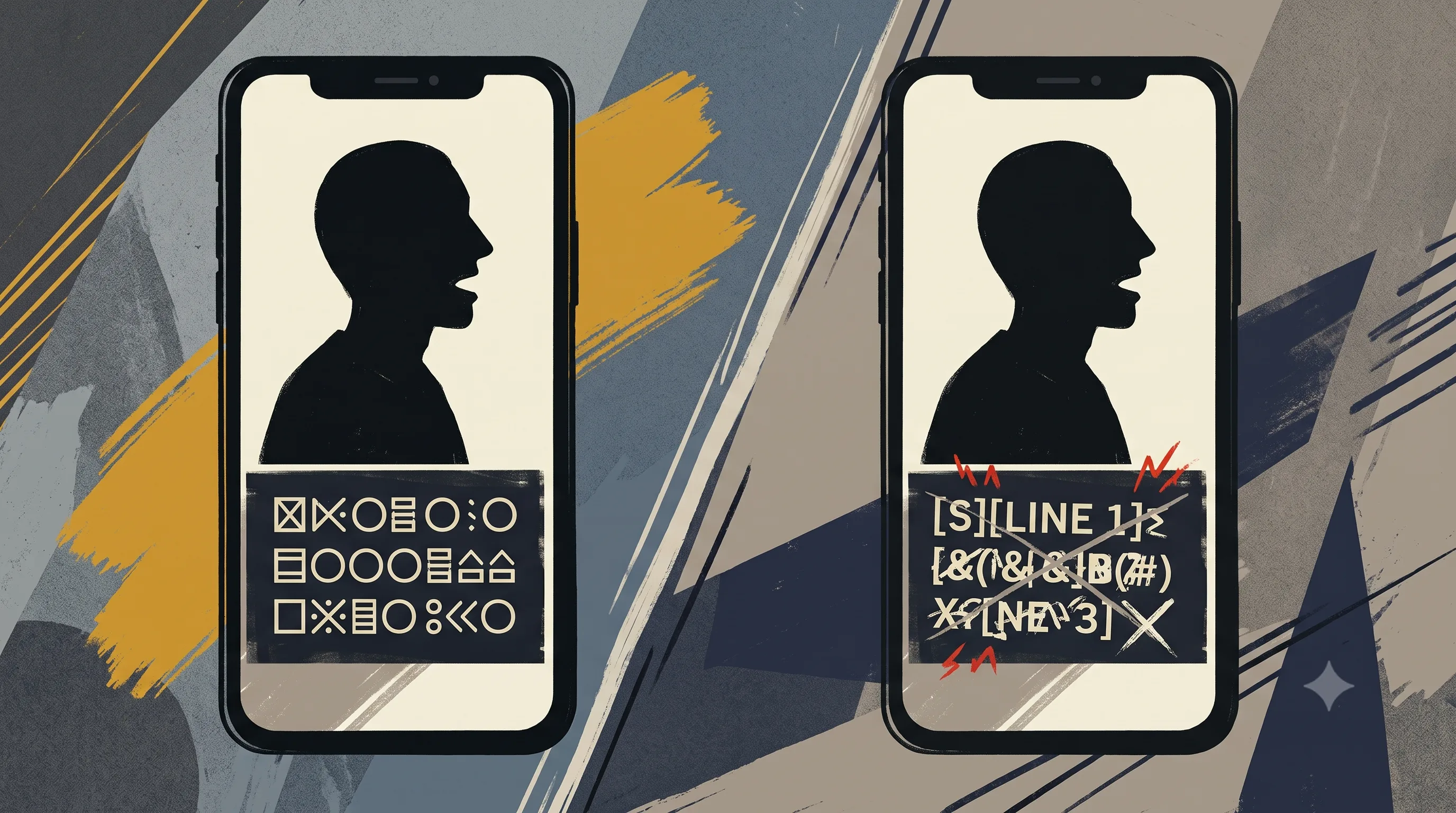
Every subtitle tool's homepage says roughly the same thing: 95, 98, 99.9 percent accuracy, generate in seconds, supports 100-plus languages. Research from Verizon Media found that 80 percent of viewers are more likely to watch a video to completion when captions are available, so the pitch makes sense, subtitles genuinely work. What most of those homepages don't say is which 95 to 99 percent they're talking about. That number is almost always scoped to clear, standard-accent English. Change the accent, mix two languages mid-sentence, or switch to a regional language, and the number moves.
Here's every real method for adding subtitles to a talking-head video, honestly, including where accuracy actually holds up and where it doesn't.
Video subtitles are on-screen text that displays a video's spoken dialogue, either generated automatically through speech-to-text or added manually. They work by transcribing audio, timing the resulting text to match the speech, and displaying it either burned into the video or as a toggleable file. Most commonly used to make video watchable with the sound off, accessible to deaf or hard-of-hearing viewers, and indexable by search engines.
The World Health Organization estimates 466 million people worldwide live with disabling hearing loss. Research published by Meta found that captions increase average video view time by 12 percent. Between accessibility and sound-off viewing habits, which now cover most social video consumption, subtitles aren't an optional polish step anymore.
Method 1: Native Platform Captions
YouTube, Instagram, and TikTok all offer built-in automatic captioning, free, no third-party tool required.
YouTube generates captions automatically after upload, accessible through YouTube Studio under Subtitles. Editing is straightforward, you can correct the auto-generated transcript directly or upload your own file. The real limit, confirmed directly in YouTube's own help documentation: automatic captions are generated only in the video's single default language, and that language must be one YouTube's speech recognition supports. There's no automatic multi-language generation, and mixed-language audio isn't accounted for.
Instagram offers auto-captions through the Captions sticker in the Reels editor, with four style presets and per-word manual editing. Styling control is limited, and like YouTube, accuracy is tuned for clear, single-language speech.
TikTok auto-captions work similarly, generated at upload with editable text and a handful of style options, best suited for short-form, single-language content.
All three are free and genuinely fast for the standard case. None of them are built to handle accented speech, code-switching between two languages, or regional-language transcription with the same accuracy they advertise for clear English.
Method 2: Manual Subtitle Creation
Before automatic transcription, this was the only option: type out your dialogue by hand, either directly in a platform's caption editor or as a separate SRT file with manually set timestamps. Full control over wording and timing, useful when you want to add sound descriptions, unusual formatting, or precise emphasis an algorithm won't catch.
It's also slow. A few minutes of continuous speech can take fifteen to twenty minutes to transcribe and time manually, every video, with nothing carrying over to the next one. This makes sense for a handful of key videos where precision matters more than speed. It doesn't scale to regular posting.
Method 3: AI Subtitle Tools
This is where most creators and teams end up once native captions or manual work stop being enough, either because daily volume makes manual review unsustainable, or because accuracy on accented or mixed-language speech needs to be better than what native platform tools deliver.
VEED, CapCut, Kapwing, and similar tools all advertise accuracy in the 95 to 99 percent range and support for 100-plus languages through translation. Research on code-switched speech found that automatic speech recognition models see a 30 to 50 percent increase in Word Error Rate when transcribing code-switched audio, like a sentence that moves between Hindi and English, compared to single-language audio. That gap sits underneath every accuracy claim these tools publish, since their advertised numbers are measured on clear, single-language input.
ButterCut is built specifically around Indian accents and code-switched speech, covering Hindi, Marathi, Telugu, Tamil, Bengali, Punjabi, and Bhojpuri, and applies consistent styling across a batch of videos automatically rather than requiring per-video decisions. If your subtitle workflow is breaking down specifically because of accent accuracy, language coverage, or daily-volume consistency, that's the gap it's built to close. See how it handles one of your own clips.
To be direct about the trade-off: if your content is in clear, single-language English and posting volume is moderate, native captions or any of the established AI tools will likely serve you well. The comparison below scores every method honestly.
Comparison Table
| Method | Cost | Advertised Accuracy | Accuracy on Accents/Code-Switching | Scales to Daily Volume |
|---|---|---|---|---|
| Native Platform Captions | Free | Not independently published | Lower, tuned for clear single-language speech | Yes, but per-video manual correction |
| Manual Transcription | Free | 100%, human-typed | Not applicable, you write it yourself | No, 15-20 min per video |
| VEED/CapCut/Kapwing | Free tier, paid plans vary | 95-99%, English-scoped | Good for English, not Indic-tuned | Yes, for English-language content |
| ButterCut | Check pricing | Not a blanket claim, scoped to what it's built for | Built for Hindi, Hinglish, and regional languages | Yes, built around daily upload cadence |
Where automatic subtitles work
- Any video where viewers might watch with the sound off, which covers most social video now
- Daily or near-daily posting where manual transcription isn't sustainable
- Content in a language and accent the chosen tool's model was actually trained on
- Teams wanting consistent styling across many videos without redoing decisions each time
Where they don't
- Highly scripted content where exact wording and sound descriptions matter more than speed
- Speech in an accent or language the tool's model wasn't built for, expect more correction, not less
- Silent or music-only videos with no spoken audio to transcribe
- One-off, low-stakes content where setting up a dedicated tool isn't worth the time
Frequently Asked Questions
How accurate are automatic subtitles?
Most tools advertise 95 to 99 percent for clear, standard-accent English audio. Accented speech, background noise, and code-switching between languages all reduce that figure, sometimes substantially.
Can YouTube auto-generate subtitles in other languages?
YouTube's automatic captions are generated only in your video's single default language, per YouTube's own documentation. Multi-language or mixed-language audio isn't automatically handled.
What's the difference between subtitles and captions?
Subtitles typically assume the viewer can hear but not understand the spoken language, translating dialogue. Captions include the dialogue plus descriptions of relevant sounds, built for viewers who can't hear the audio at all.
Do I need to add subtitles manually, or can AI handle it?
AI transcription handles most cases faster than manual typing. Manual entry still makes sense for precise sound descriptions, unusual formatting, or content where an automated model's accuracy isn't reliable enough.
Do subtitles work as well for Hindi or other Indian languages as they do for English?
Not by default. Most mainstream tools publish accuracy figures measured on clear English audio. Hindi, Hinglish, and other Indian languages need a model specifically built for that speech pattern to get comparable accuracy.
Native platform captions are free and fast for clear, single-language English content, though styling is limited and accuracy drops with accents. Manual transcription gives full control but doesn't scale past occasional use. Established AI tools like VEED, CapCut, and Kapwing add styling and speed for English-language content at volume. ButterCut is built specifically for Indian accents, Hinglish code-switching, and regional-language accuracy at daily posting volume, a gap the advertised 95-99% accuracy numbers don't account for.
If accented or mixed-language speech is the reason you're still correcting subtitles by hand every day, that's not a workflow problem a better template fixes. Start a free ButterCut trial and run your next video through a pipeline built for exactly that speech.
Sources
- UniFab, How to Add Subtitles to a Video, citing Verizon Media and WHO data
- Kapwing subtitle statistics roundup, citing Meta's captions research
- NCBI/PMC: HiACC Hinglish code-switched speech corpus study
- YouTube Help, Add subtitles and captions
- ChatCut, How to Add Subtitles to a Video, 2026 accuracy benchmarks
- VEED, Add Subtitles to Video, language and accuracy claims